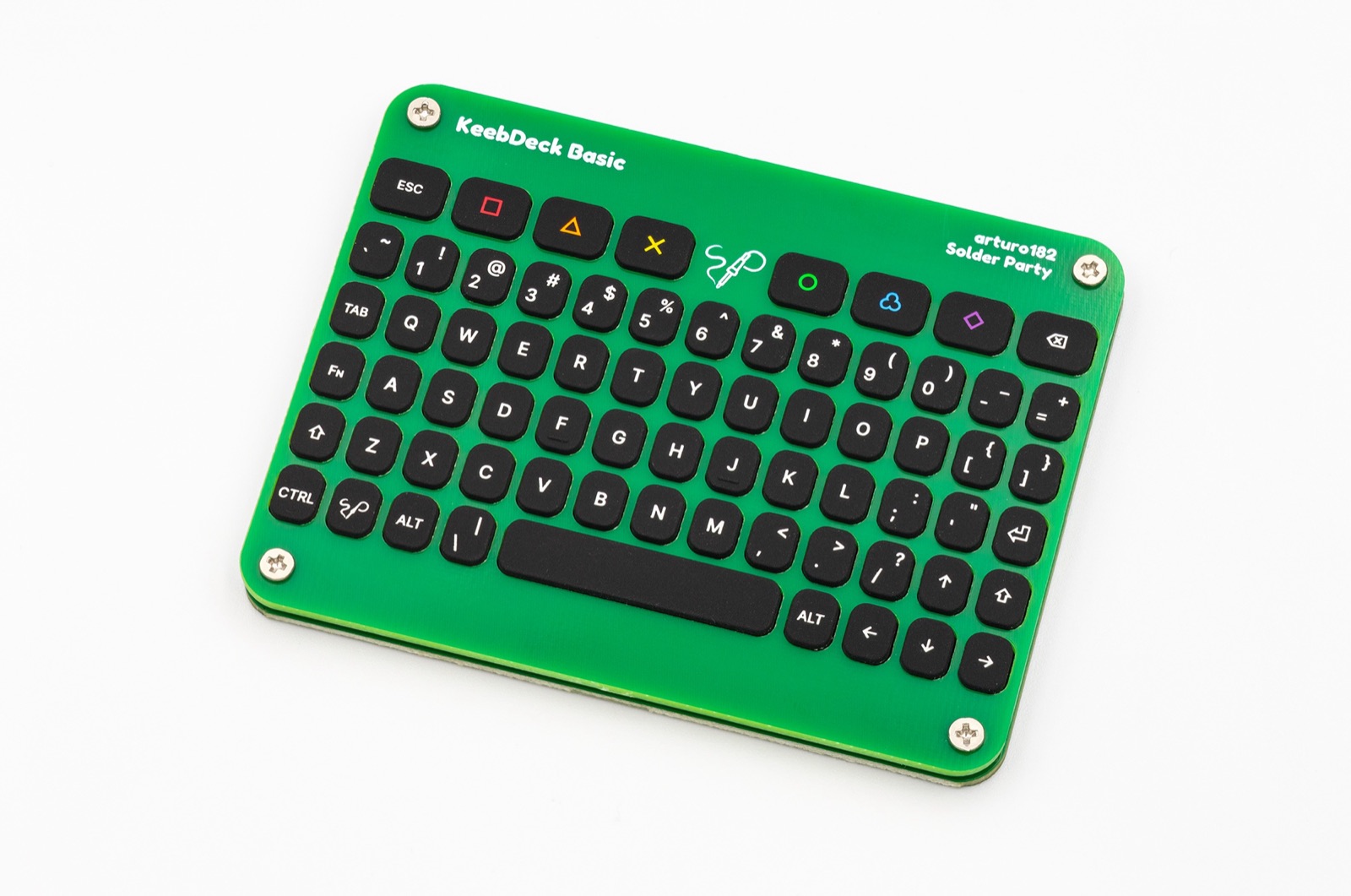
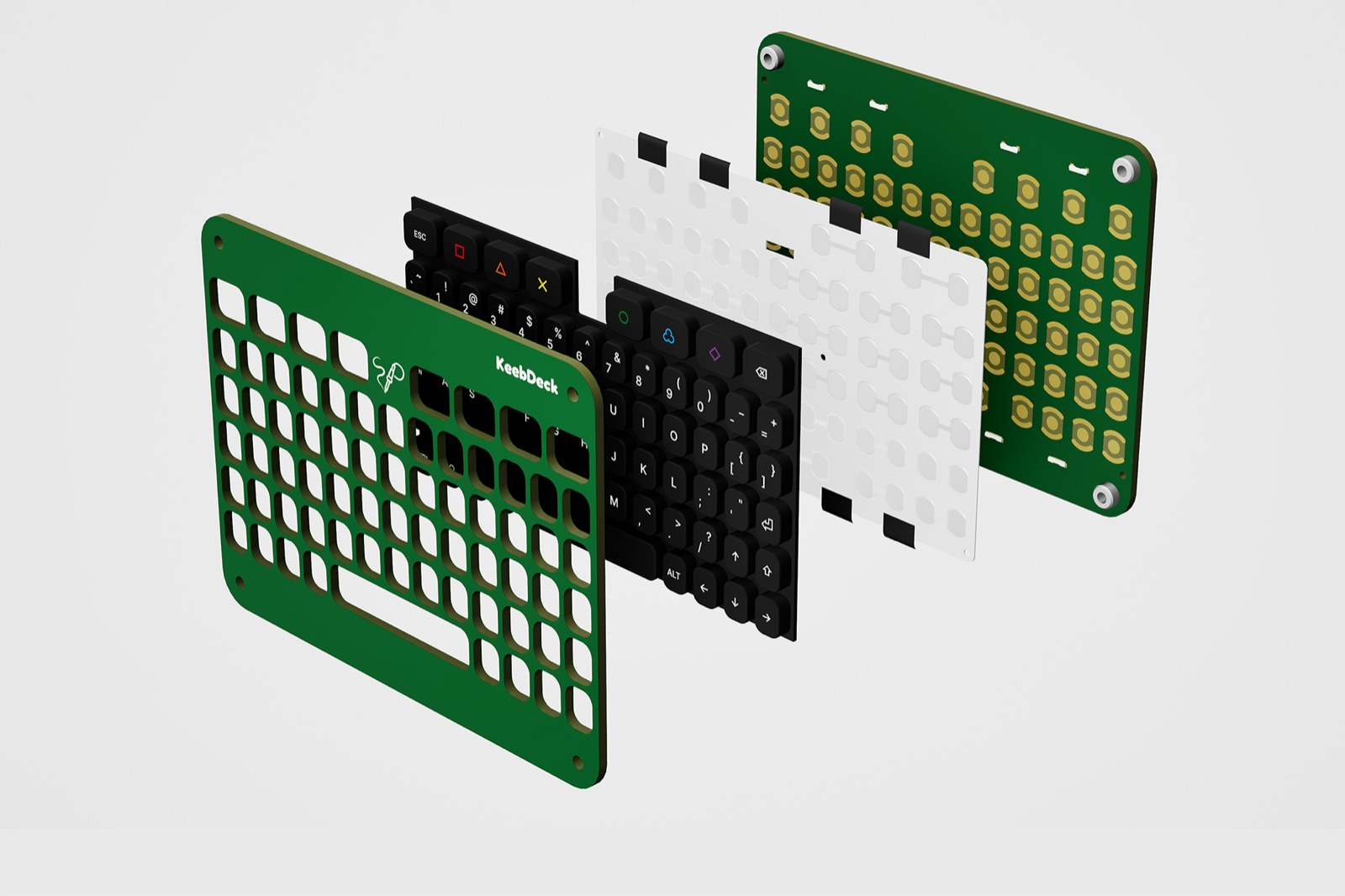
An open-source build kit that turns an afternoon into a keyboard you made yourself. A through-hole-friendly PCB, an illustrated step-by-step guide and a satisfying clicky feel — no experience required.

Everything is in the box — PCB, plate, switches, keycaps and an illustrated guide. Follow along step by step and finish with a board that's entirely yours.
Through-hole soldering, labeled parts and an illustrated guide. If you can hold an iron, you can build it.
The full PCB design and bill of materials are public — remix the layout and make it yours.
Remap every key, add layers and macros, and tune the board exactly how you like.
No. The kit uses beginner-friendly through-hole components and ships with an illustrated, step-by-step guide. A basic soldering iron is all you need.
Yes. The PCB design is open-source and the board runs QMK, so you can remap keys, add layers and macros, and even fork the hardware.
A small, carefully made catalogue — no filler, every product is something we'd carry ourselves.

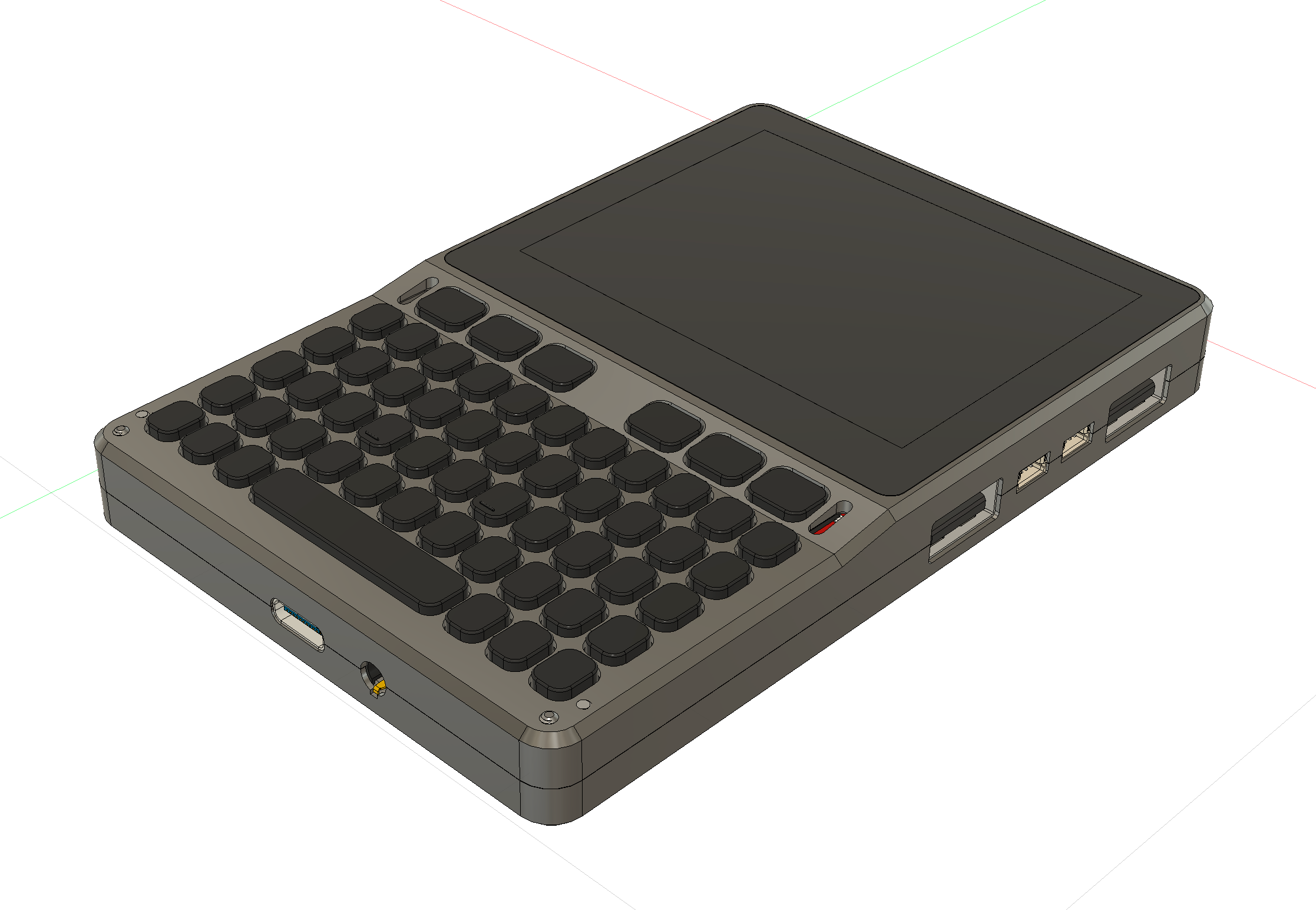
CNC-aluminum Linux computer with a Raspberry Pi Compute Module. Silent, sealed, open.

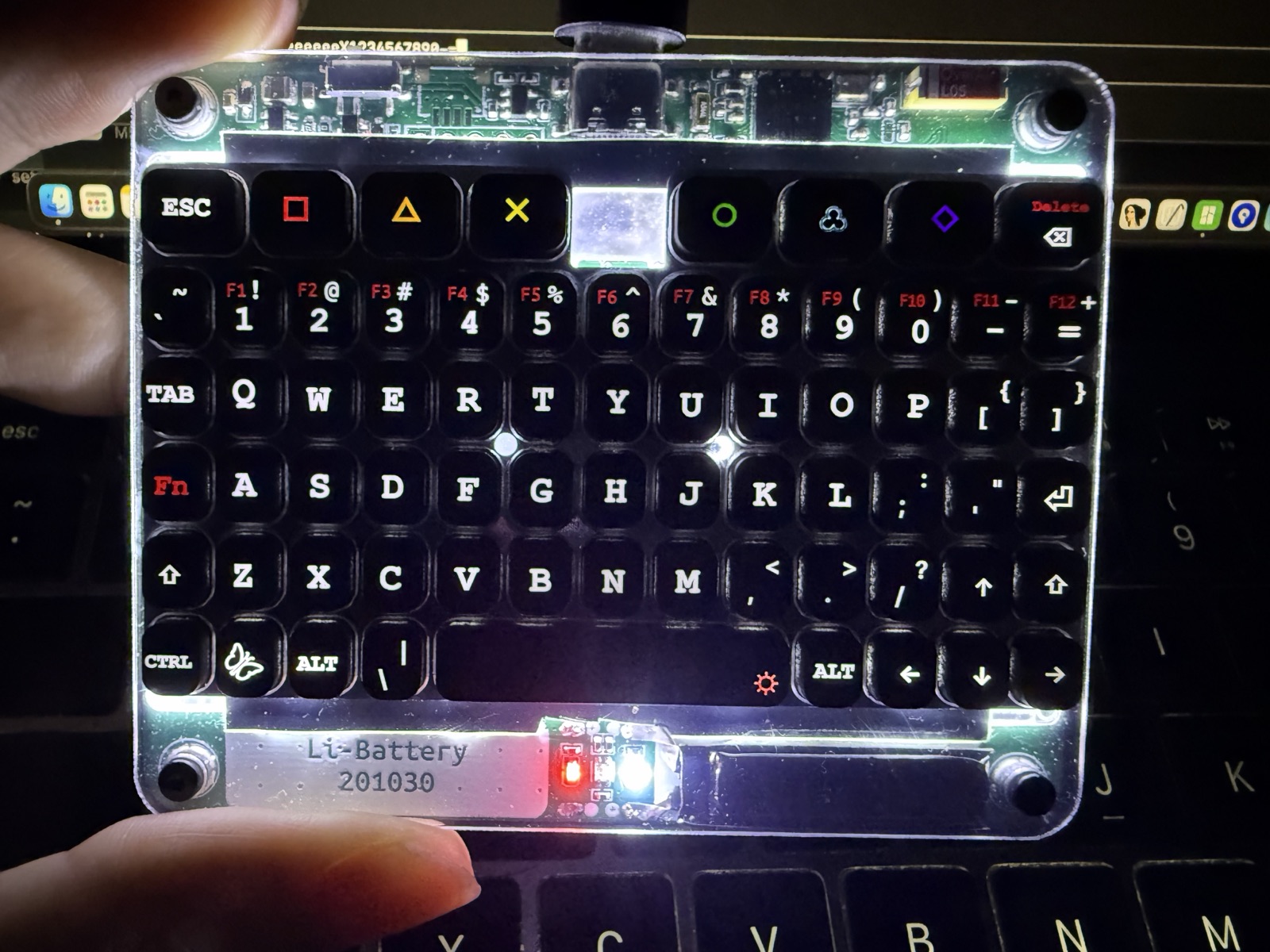
Card-sized full keyboard with gyro air-mouse and white backlight. Bluetooth 5.2 or USB-C.

Solder your own 48-key keyboard in an afternoon. Open-source PCB and QMK firmware.

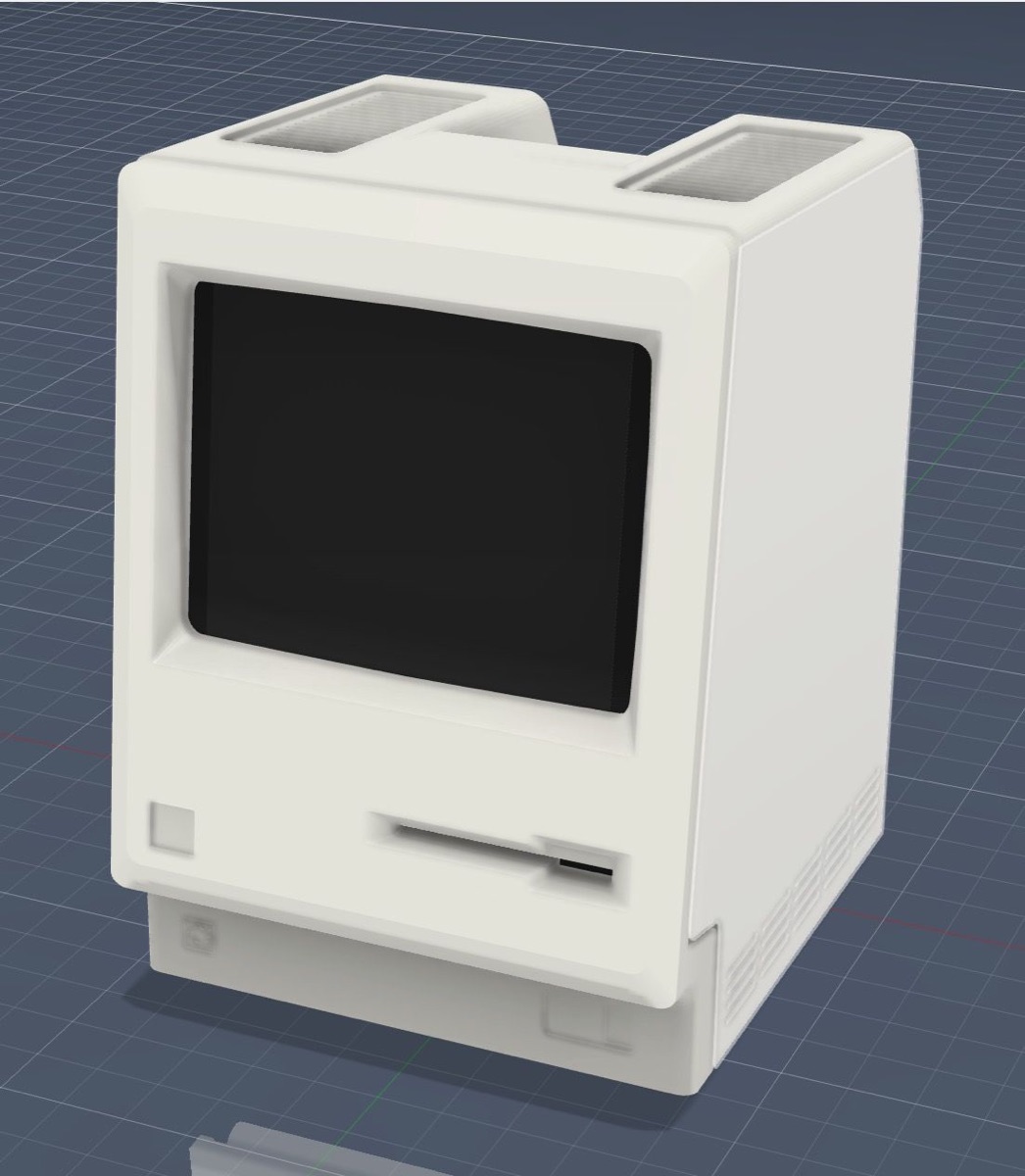
A 1984 Macintosh shrunk to your palm. Boots real classic Mac OS over USB-C.
An open PCB, an illustrated guide and a satisfying click — your first keyboard build, start to finish.